(Last Updated on July 29, 2026 by Henry)
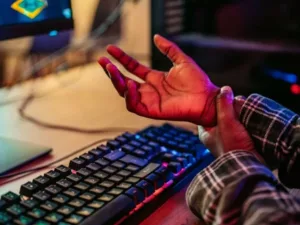
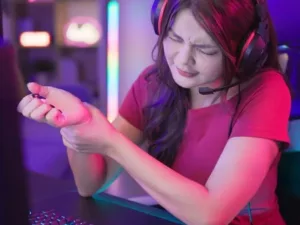
Hand fatigue is often a bothersome consequence of tasks that involve repetitive use of the hands, like gaming or typing. It’s that irritating tiredness you feel after a long stint on your keyboard, mouse, or controller, when your fingers and palms start to complain.
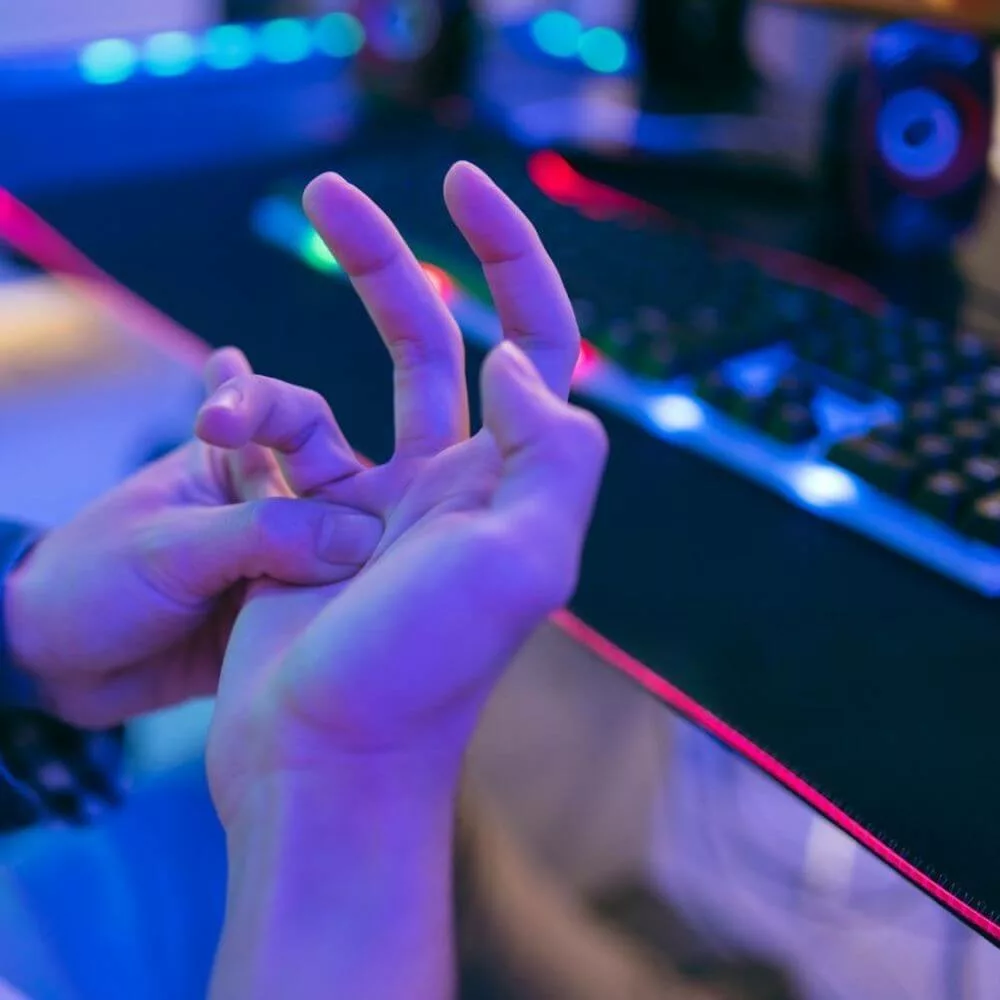
But what exactly is happening when your hands feel worn out?
At its core, hand fatigue stems from how our muscles, tendons, and nerves react to repetitive motion.
It’s kind of like running a marathon without training adequately:
The muscles get overused, and the tendons are strained, leading to that familiar sore or tired feeling.
This is especially common during long gaming sessions and extended periods of computer use.
Gaming and typing place a unique kind of stress on our hands.
Each keystroke, mouse click, or button press requires precision and force, however minimal. This constant, quick, and repetitive use calls upon our muscles to operate in overdrive and causes them to tire faster.
Over time, this can contribute to reduced hand endurance and increased finger fatigue.
Hand fatigue is often the result of thousands of small movements
repeated over hours, not a single moment of excessive effort.
But there’s a difference between typical fatigue and a more severe problem. While some weariness is expected after extended periods, persistent discomfort might indicate a more serious overuse issue like tendonitis or carpal tunnel syndrome. Keeping an eye out for continuous pain can help catch these conditions early and protect long-term hand health.
Lastly, when your hands are tired, your performance can take a hit. Whether you’re competing online, working at a computer, or typing up an important document, even a minor decline in comfort can slow you down and hinder your ability to meet deadlines or win matches.
Focusing on strategies to alleviate this fatigue is crucial for maintaining both productivity and enjoyment while gaming or typing.
Delving into the Causes of Hand Exhaustion
Repetitive movements are the main culprits when it comes to hand fatigue. Think of all those clicks, keystrokes, or joystick maneuvers, each tasking your fingers to move in the same patterns over and over again. It’s easy to overlook this when you’re deep into a game or working hard on a writing task, but that’s precisely when it all adds up. This repetitive hand use is one of the most common causes of hand fatigue during gaming or typing.
Staying in one position for hours doesn’t do any favors, either. When your hands stay in a stiff pose on the keyboard or mouse, the muscles and tendons hardly get any relief. Over time, this can escalate into more than just temporary tiredness and may contribute to wrist discomfort and reduced hand endurance.
Another problem is how much pressure you might be unconsciously applying to your mouse, gaming controller, or keyboard. An overly tight grip may seem harmless, but it puts more strain on your hands than you might realize. Try loosening up to see if it makes a difference.
Many gamers unknowingly increase hand strain by gripping peripherals
harder than necessary during intense sessions.
Poor posture can make things worse, too. If your wrists are at odd angles or your elbows don’t have proper support, you’re encouraging strain. It’s a good idea to take a step back and look at your setup to see if simple adjustments can lead to a more comfortable position. An ergonomic gaming or workstation setup can significantly reduce stress on the hands and wrists.
Lastly, it’s tempting to go on a marathon gaming session or power through a lengthy report. But skipping rest breaks only leads to fatigue piling up and opens the door to stress injuries. Setting a timer to remind you to take breaks can be a simple yet effective way to mitigate hand tiredness and support long-term hand health.
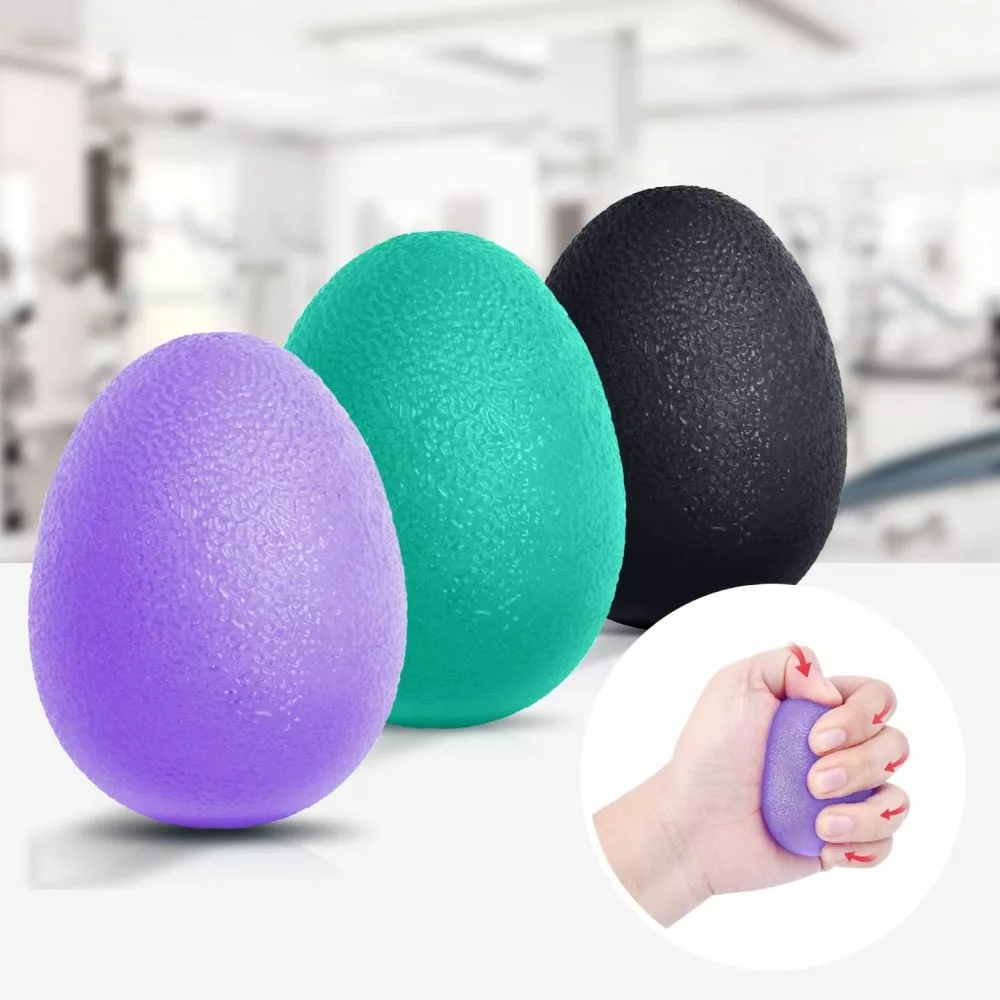
The Best 3-Level Therapy Egg Set for Hand Rehab & Stress Relief?

Therapy Putty: Rehab-Grade Hand Recovery & Grip Training?

Avoid Elbow Pain with Simple Finger Exerciser
Decoding When Hand Fatigue Could Signal Deeper Issues
Sometimes, hand fatigue isn’t just a sign of tiredness. If you’re experiencing persistent pain that doesn’t seem to let up, it might be more than a simple sign of overuse.
Pain that lingers could be pointing towards a deeper issue that needs attention, especially if you frequently spend long hours gaming, typing, or using a computer.
Persistent pain, numbness, or loss of strength
should never be dismissed as normal hand fatigue.
Numbness, tingling, or a loss of strength shouldn’t be ignored. These symptoms can indicate nerve compression or other serious conditions like carpal tunnel syndrome or tendonitis, which need professional evaluation. Ongoing symptoms that affect grip strength or hand function deserve particular attention.
Common overuse conditions affect many gamers and typists, but recognizing the signs early can allow for timely intervention. Be aware of changes in how your hands feel or function and take them seriously.
Early action can help prevent minor hand and wrist problems from becoming chronic issues.
It might be helpful to ease up on activities and take necessary breaks at the first sign of discomfort. When in doubt, reaching out to a healthcare professional for guidance can be beneficial. They can provide specific advice and recommend exercises or treatments that preserve hand health and support recovery.
Ensuring long-term hand health means being proactive. Listening to your body, making necessary adjustments, and seeking advice when needed are all vital to keeping your hands in good shape while you game or type regularly. Healthy habits today can help maintain comfort, performance, and hand endurance for years to come.
Thanks for Stopping By!
How Often Do You Do Warm-Up Exercises Before Gaming?
Share Your Experience Below!