(Last Updated on June 20, 2026 by Henry)
Why Wrist Pain Develops During Gaming:
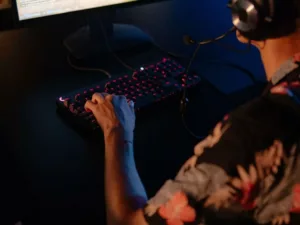
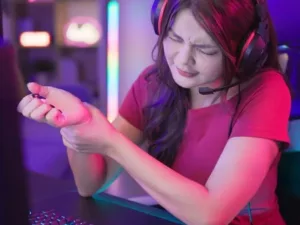
Gaming places your wrists under constant demand, often without you realizing how much work they’re doing. Every mouse movement, keyboard press, or controller input requires a coordinated effort from the muscles, tendons, joints, and nerves that pass through the wrist.
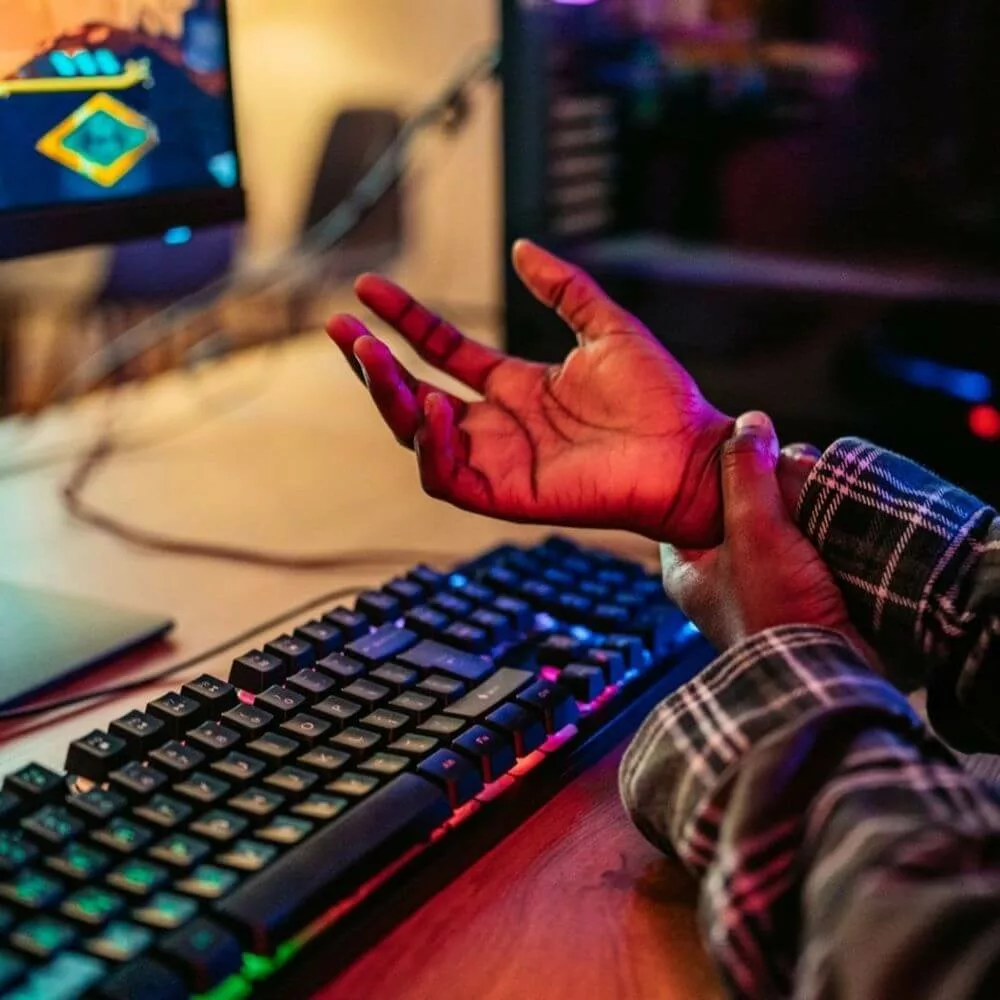
While each individual movement is relatively small, thousands of repetitive actions performed over the course of a gaming session create a cumulative workload.
It can gradually contribute to stiffness, fatigue, or discomfort if healthy habits are overlooked.
The wrist serves as an important connection between your forearm and hand, allowing precise movements while transferring force during every click, key press, or controller input.
The muscles that control your fingers originate largely in the forearm, with their tendons traveling through the wrist before attaching to the hand. During prolonged gaming sessions, these tissues repeatedly glide, contract, and stabilize the wrist to maintain accuracy and responsiveness. As the hours add up, the entire system experiences continuous mechanical stress that can eventually exceed its ability to recover.
It’s important to distinguish between normal post-gaming soreness and symptoms associated with overuse. Temporary stiffness or mild fatigue after an unusually long session often improves with rest and movement. However, discomfort that becomes more frequent, persists after gaming, or gradually interferes with everyday activities may signal that your wrists are no longer recovering fully between sessions. Recognizing these early changes gives you the opportunity to adjust your habits before they develop into more persistent problems.
Several factors can increase the likelihood of wrist pain, including poor ergonomics, excessive grip pressure, limited movement breaks, and sudden increases in gaming time. Fortunately, these are also among the easiest factors to improve. Taking a proactive approach through proper setup, healthy movement habits, strengthening exercises, and adequate recovery is far more effective than waiting until wrist pain becomes a recurring part of your gaming experience.
Creating an Ergonomic Gaming Setup
An ergonomic gaming setup is one of the most effective ways to reduce unnecessary stress on your wrists. Even small improvements to your keyboard, mouse, chair, or desk position can make a noticeable difference over the course of hundreds of gaming sessions. The goal isn’t to create a perfect setup overnight, but to position your hands and arms so your wrists can move naturally without constantly fighting awkward angles or excessive tension.
Maintaining a neutral wrist position should be one of your highest priorities. Ideally, your wrists should remain as straight as possible while using your keyboard, mouse, or controller, rather than being bent upward, downward, or to either side for prolonged periods.
A neutral position allows the tendons passing through the wrist to move more freely while
reducing unnecessary pressure on surrounding tissues. Your wrists naturally move throughout
gameplay, minimizing time spent in extreme positions, which helps reduce cumulative strain.
The placement of your gaming peripherals also plays a major role. Your keyboard and mouse should sit close enough that your elbows remain comfortably by your sides and your shoulders stay relaxed instead of reaching forward. Likewise, controller players benefit from keeping their elbows supported and avoiding positions that force the wrists into prolonged extension while gripping the controller. Small adjustments to how you position your equipment often have a greater impact than purchasing expensive ergonomic accessories.
Your desk and chair should work together to support your posture. Adjusting your chair so your forearms remain roughly parallel to the floor encourages a more comfortable arm position and reduces the workload placed on your wrists. Lightly supporting the forearms on your desk or chair armrests can also reduce muscular fatigue, provided they don’t create uncomfortable pressure points that compress the forearm during long gaming sessions.
Many wrist problems are caused not by one major mistake,
but by several small habits repeated every day.
Reaching too far for the mouse, bending the wrists while typing, gripping gaming devices too tightly, or resting the wrists on hard desk edges all contribute to unnecessary stress over time.
Correcting these habits early creates a gaming environment that supports both comfort and long-term wrist health, allowing you to play longer with less fatigue and a lower risk of developing repetitive strain issues.

The Best Twist Bar for Hand, Wrist & Elbow Rehabilitation?

Gyro Ball is Amazing For Grip Training Warm-Up & Hand Rehab
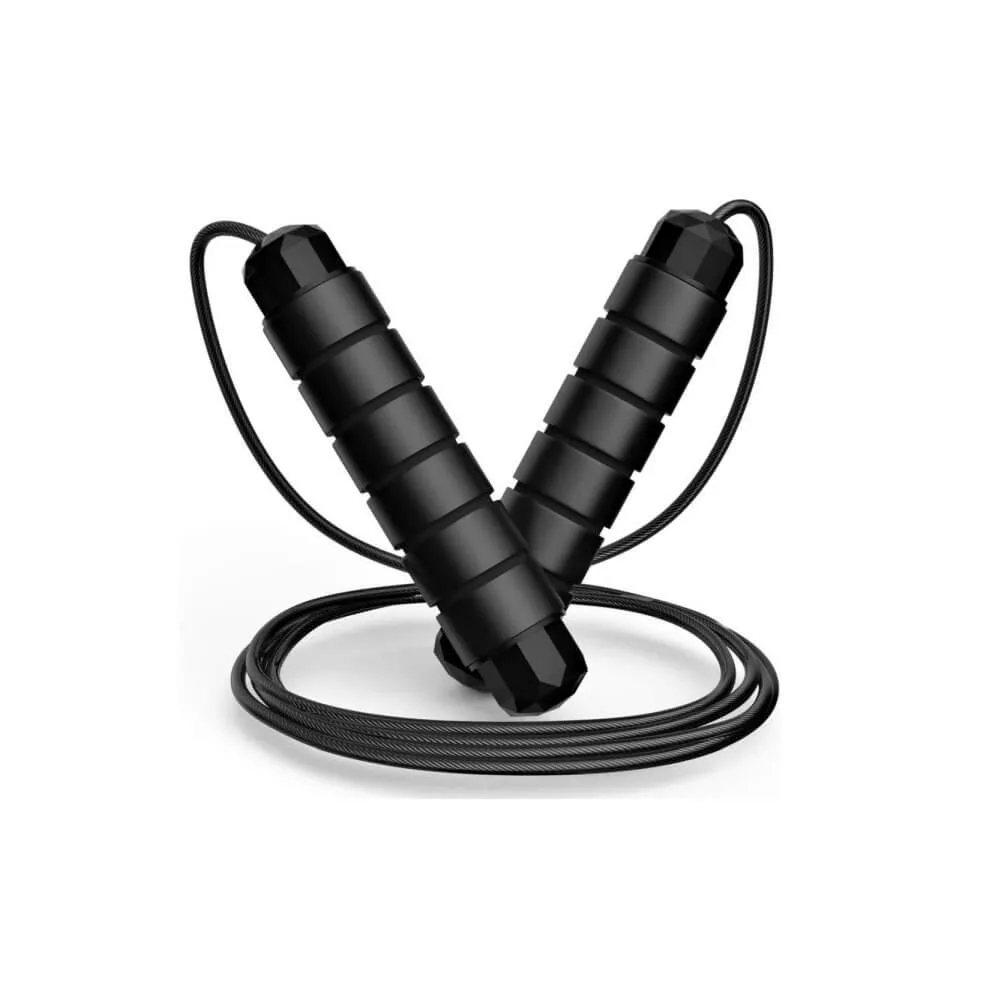
Train Wrists with Inexpensive, Beginner-Friendly Jump Rope
Maintaining Long-Term Wrist Health
Protecting your wrists isn’t about relying on a single solution; it’s about combining several healthy habits into a routine you can maintain for years. Good ergonomics, regular mobility work, strengthening exercises, and adequate recovery each contribute to wrist health, but they work best when practiced together. Taking a consistent, long-term approach helps your wrists adapt to the repetitive demands of gaming while reducing the likelihood of developing chronic discomfort.
As with any physical activity, it’s important to increase your gaming workload gradually. Spending significantly more time gaming than usual, especially without allowing your body time to adapt, can place unnecessary stress on the muscles, tendons, and joints surrounding the wrist. Building up session length progressively gives your tissues an opportunity to strengthen and recover, making them more capable of handling longer periods of repetitive movement.
Recovery extends well beyond the time you spend away from your computer. Quality sleep allows your body to repair the tissues stressed during the day, while proper hydration supports healthy joint function and soft tissue mobility. A balanced diet that provides adequate protein and essential nutrients further contributes to maintaining the muscles, tendons, and connective tissues that keep your wrists functioning efficiently. Together, these recovery habits help prepare your hands for the next gaming session.
Equally important is avoiding the habits that quietly contribute to repetitive strain. Playing through persistent discomfort, skipping movement breaks, maintaining excessive grip tension, or ignoring early warning signs can gradually increase the workload placed on your wrists. Replacing these habits with regular breaks, relaxed movement patterns, and regular exercise creates a much more sustainable approach to gaming without compromising performance.
Healthy wrists are built through small decisions repeated consistently over time. By combining smart ergonomics, regular movement, balanced strengthening, and proper recovery, you can continue enjoying gaming while minimizing unnecessary stress on your wrists. Investing in these habits today helps preserve comfort, mobility, and performance for years of gaming, work, and everyday activities to come.
Thanks for Stopping By!
Are Your Wrists in Top Shape or Aching after Gaming?
Share Your Experience in the Comments!